LiteLLM 1.107.0 Supply Chain Compromise Explained: Stolen Credentials, Python Startup Hooks and What to Do (World Tech)

Image: Wikimedia Commons / Markus Spiske, CC0 — Illustrative image: code on a computer monitor. LiteLLM is software, not a device, so there is no product photo; this image illustrates the Python code the attack abused.
TL;DR — LiteLLM 1.107.0 supply chain compromise explained: On 21 October 2026, a poisoned release of LiteLLM 1.107.0 reached PyPI and official container images for about two hours. It planted Python startup files that ran a credential-stealing program every time Python started — even if LiteLLM was never imported. If you installed it, uninstalling is not enough: delete the startup files, rebuild the environment, and rotate every credential that machine could reach.
📌 KEY HIGHLIGHTS
- What happened: Attackers hijacked LiteLLM's release pipeline and published a malicious 1.107.0 to PyPI (live 11:39–13:23 UTC, 21 October) and to Docker Hub / GHCR container tags (until 14:20 UTC).
- The trick: Three startup files — cook.pth, cook.py and sitecustomize.py — made Python run the attacker's code during normal interpreter startup, before any application code.
- What it stole: A collector called PRIVCOLLECT targeted developer, cloud, browser, SSH and AI-tool credentials, plus selected LiteLLM proxy database records, and sent them encrypted to an attacker-controlled address.
- The fix: LiteLLM says all previous versions are safe and to pin to 1.106.2. Microsoft warns that removing the package alone does NOT clean a machine — the startup files live outside the LiteLLM folder.
- Who was not hit: Enterprise customers on LiteLLM's private release were not impacted, and the official 1.107.0 source tag on GitHub never contained the malicious files.
What happened?
LiteLLM is an open-source gateway that sits between applications and AI model providers — it routes requests, manages provider API keys and enforces usage policies. That trusted position is exactly what made this incident dangerous: a compromised LiteLLM could reach model keys, database passwords and cloud credentials.
According to LiteLLM's own disclosure, attackers altered the project's release workflow — disabling branch protections with a privileged developer credential — and pointed it at a lookalike repository, Berri-AI/litellm, instead of the real BerriAI/litellm. The poisoned build was then signed and published through the project's own release process, so it arrived through the normal, trusted channels: PyPI and the official container images. Microsoft's analysis, published 23 October, confirms the same picture and adds the technical detail. Microsoft notes it has not independently determined how the attackers first got into the release environment.
The window was short. An Upwind researcher spotted the malicious release within about half an hour, PyPI removed it by 13:23 UTC, and the container tags were cleaned or repointed by 14:20 UTC. Short does not mean harmless: automated build systems pull new versions within minutes, and any machine that started Python with the bad package installed could have run the payload.
LiteLLM 1.107.0 supply chain compromise explained: how the startup-hook trick worked
Normally, installing a Python package is safe until you import it. This attack broke that assumption using two ordinary Python features. First, .pth files: Python executes import lines in .pth files during site initialisation, when the interpreter starts. The poisoned wheel hid a single line — "import cook" — in cook.pth, which loaded cook.py, which decoded and ran the hidden collector. Second, sitecustomize.py: Python tries to import a module of that name at startup, giving the attackers a second, Unix-focused path that also carried a loader able to fetch and run further code from a remote server.
Because these files were placed in the Python environment's library directory — outside the litellm application folder — deleting the LiteLLM package left them behind. That is the single most important lesson of this incident, and the reason both Microsoft and LiteLLM stress rebuilding environments rather than just uninstalling.
| When (21 Oct 2026, UTC) | What happened |
|---|---|
| 11:39–13:23 | Malicious litellm==1.107.0 wheels live on PyPI (7 wheels) |
| 11:46–14:20 | Docker Hub tags v1.107.0, latest, main-latest, main-stable point at the poisoned image |
| By 13:51 | GHCR tags made unavailable; PyPI copy removed |
| 23 Oct | Microsoft publishes full technical analysis and Defender detections |
| 26 Oct | Check Point's weekly bulletin confirms attackers tested stolen AWS credentials |
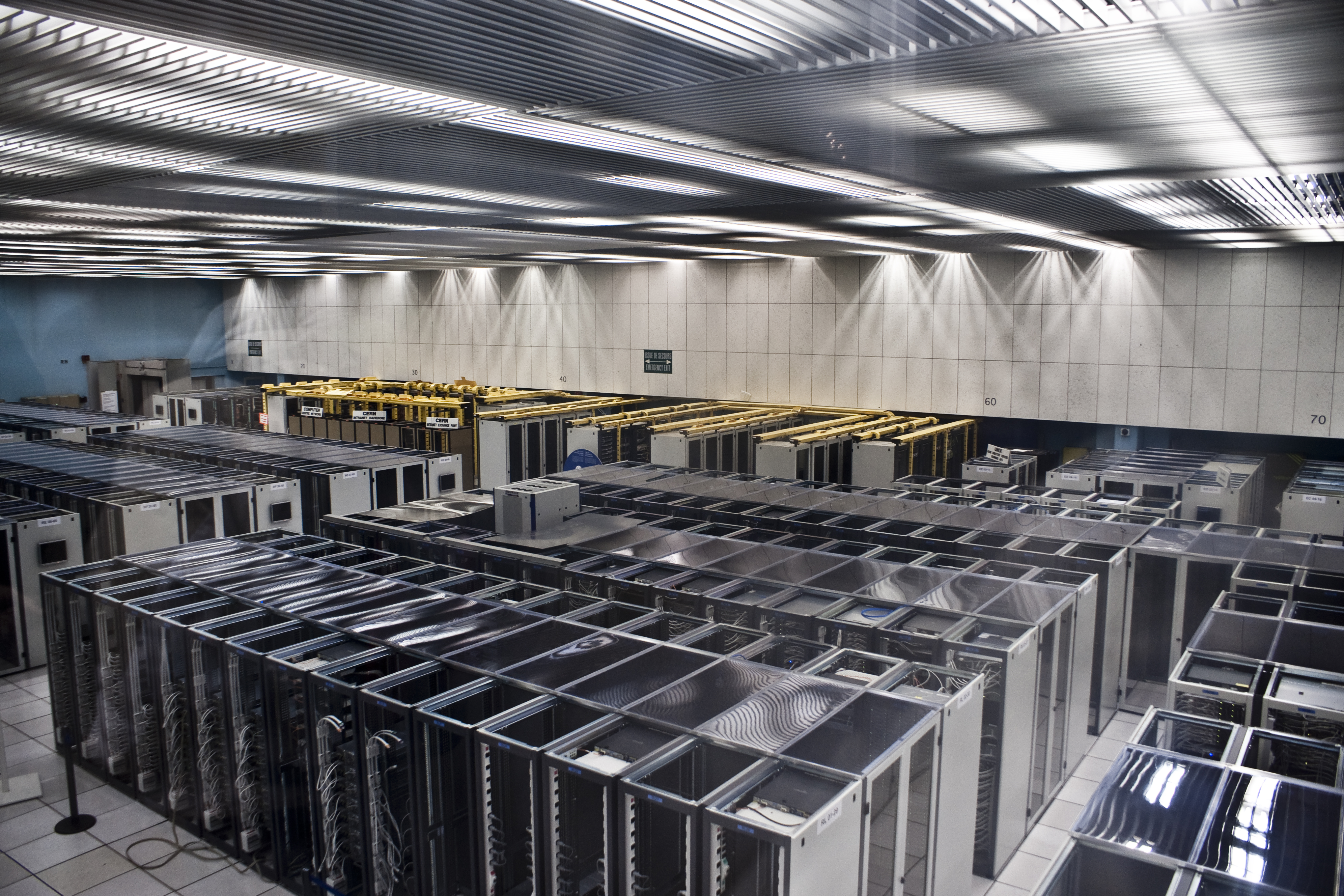
Image: Wikimedia Commons — Illustrative image: server racks in a data centre. The compromised release could reach gateway hosts, build agents and developer machines, not just one server.
What was actually stolen — and what was not proven
Microsoft recovered the collector's code and lists what it was built to reach: AI assistant and IDE credentials, GitHub and package-manager tokens, AWS, Azure and Google Cloud credentials, Kubernetes and Docker secrets, browser credential stores and histories, SSH and GPG key material, and selected LiteLLM proxy database fields (capped at 500 rows per query). The stolen bundle was encrypted with AES, the key wrapped with RSA, and posted to an attacker-controlled domain disguised as a LiteLLM health-check address.
Two honest limits matter. First, a target appearing in the collector's code does not prove that data was successfully taken from any particular machine — Microsoft's endpoint observations matched the collector's behaviour on Windows and macOS, but presence of the package alone is not proof of compromise. Second, the Unix loader's second stage — fetching extra code from a remote server — was never confirmed: when researchers checked, the pointer file it read was empty. It stayed dangerous because the pointer could be changed at any time, not because a second payload was seen running.
Why it matters for India readers
India's developer and startup ecosystem runs heavily on exactly this stack: Python services, AI gateways, CI/CD build agents and cloud-hosted APIs. Any Indian team that pins LiteLLM loosely — or uses "latest" container tags — could have pulled the poisoned release during its two-hour window without anyone noticing, because nothing needed to import LiteLLM for the payload to run. The same warning applies to every open-source dependency, not just this one: a trusted release channel is only as safe as the credentials guarding it.
The practical message for Indian readers is not panic but process. If your team uses LiteLLM, check now whether 1.107.0 ever landed in any environment — including build caches, internal mirrors and old container images — and treat any hit as a credential-rotation event, not a simple uninstall. The incident is also a warning about "latest" tags in production: pinned versions and verified image digests would have kept most teams out of the blast radius entirely.
Should you care?
✅ Yes — if you run Python anywhere near AI services. Check for 1.107.0, delete the startup files from every site-packages folder, rebuild affected environments, pin to 1.106.2, and rotate every reachable credential from a clean machine. ⏳ Wait before reusing a suspect environment: never run pip or Python inside it to "check" — that alone re-triggers the payload. 🔍 Watch out: a clean-looking uninstall proves nothing; the startup files survive it.
FAQs
What is LiteLLM? LiteLLM is an open-source gateway that lets applications call many AI model providers through one interface. It manages provider API keys, routing and usage policies, which is why a compromised release could reach such sensitive credentials.
How did the LiteLLM hack work without importing LiteLLM? The poisoned package planted cook.pth, cook.py and sitecustomize.py in Python's library directory. Python runs .pth import lines and the sitecustomize module automatically at interpreter startup, so starting Python — even to install something else — executed the attacker's code.
Am I affected if I installed LiteLLM 1.107.0? You are affected if you installed litellm==1.107.0 from PyPI between 11:39 and 13:23 UTC on 21 October 2026, or ran the v1.107.0, latest, main-latest or main-stable container images between 11:46 and 14:20 UTC. If any such environment started Python, treat it as compromised; finding no trace files does not prove it is clean.
What should I do if I installed LiteLLM 1.107.0? Do not run Python or pip in the suspect environment. From a clean shell, delete cook.pth, cook.py and sitecustomize.py (and their compiled copies) from every site-packages folder, kill the detached loader daemon, rebuild the environment from scratch, reinstall pinned to litellm==1.106.2, and rotate all credentials the host could reach — provider keys, proxy database credentials, cloud roles and SSH keys.
Is LiteLLM safe to use now? LiteLLM says all previous versions are safe, the poisoned artifacts have been pulled, and users should pin to 1.106.2 or any explicit earlier version. The enterprise private release was never affected. As with any dependency, pin exact versions and verify image digests rather than floating on "latest".
Takeaway: A two-hour poisoned release showed that "official package" is not the same as "safe package" — and that uninstalling is not the same as cleaning up. Pin your versions, check your startup files, and rotate first if there is any doubt.
Follow World Tech on TechByCountry for tomorrow's update.
📸 Get tech in the last 24 hours on Instagram — follow @_techinlast24hrs for daily posts (9 AM–9 PM) and reels at 12:30 PM & 8:30 PM.
Sources
Microsoft Security Blog — Inside the LiteLLM 1.107.0 supply chain compromise (23 Oct 2026)
LiteLLM — Contained: Oct 21, 2026 LiteLLM release v1.107.0 Compromised (maintainer disclosure)
Check Point Research — 26th October Threat Intelligence Report
Related on TechByCountry: our BeyondTrust zero-day exploited post, the PHP Windows builds HTTP2Shell fix, and the .NET October 2026 out-of-band security update.
Comments
Post a Comment