fzf 0.75.0 New Features Explained: Dynamic Info Commands, Windows MSI Installers and a 30-Second Freeze Fix
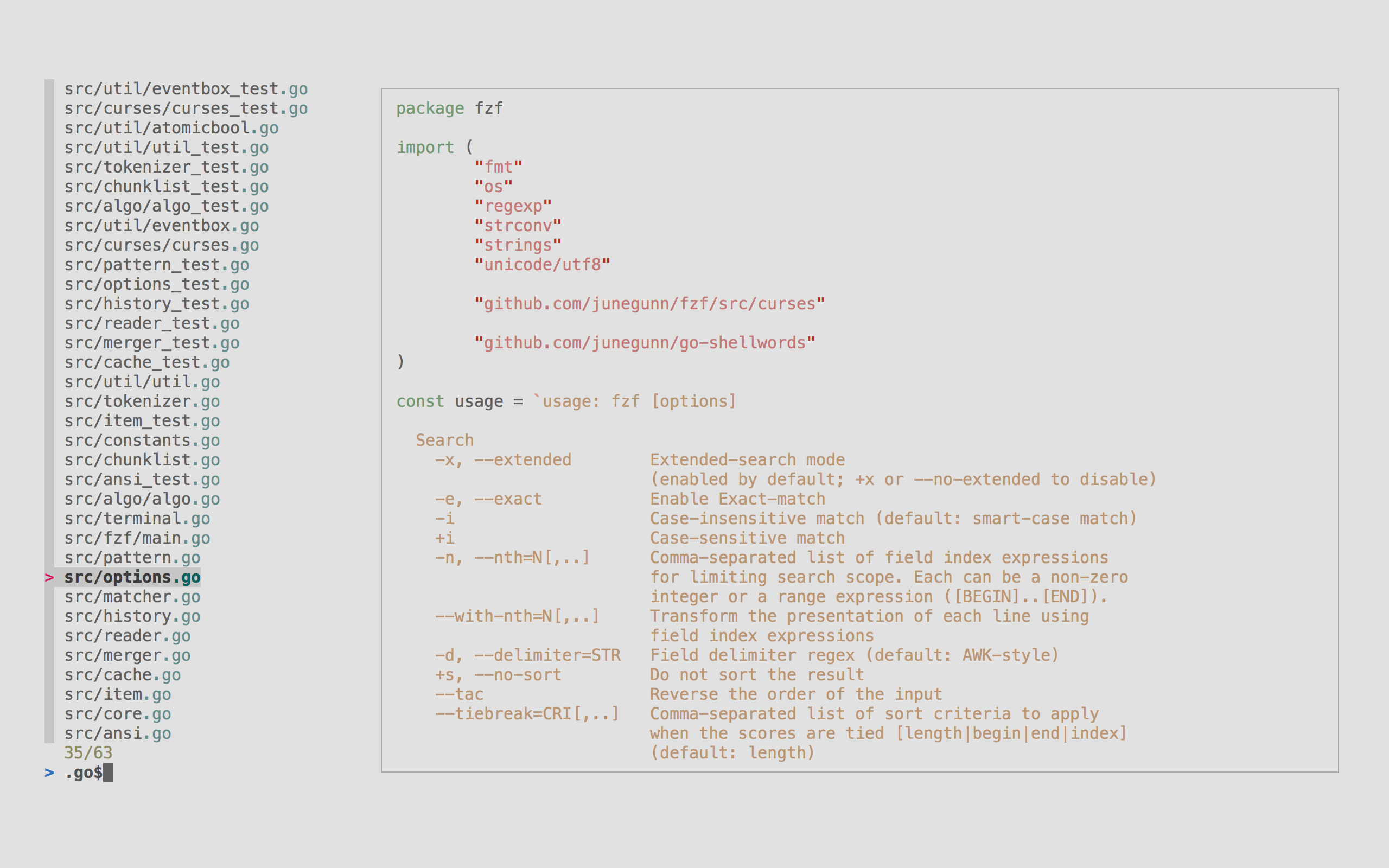
Image: junegunn/fzf (official project screenshot) — fzf's fuzzy finder with a file preview pane.
📌 Key Highlights
- fzf 0.75.0 shipped on 7 November 2026 — the first minor release since the 0.74.x line.
- New {change,transform,bg-transform}-info-command actions let the info line update dynamically, so keybindings can switch what the status line shows.
- Windows finally gets real .msi installers for amd64 and arm64 via winget — the MSI installs fzf.exe under Program Files and adds it to the system PATH.
- Security fix: O(n²) action parsing in --listen meant a single ~1 MB request could block the server for ~30 seconds.
- transform-nth and transform-with-nth no longer split output at |, and --no-sort, --walker=follow, a Neovim title bug and nushell completion all get fixes.
fzf 0.75.0 new features explained: what actually changed
fzf is a command-line fuzzy finder written in Go by Junegunn Choi. It takes a list on standard input, lets you type a few characters to filter it, and prints what you picked. Developers use it to jump between files, search shell history with Ctrl+R, pick git branches, and drive previews inside Vim and Neovim — and the download counters show how widely it is used: the Linux amd64 build alone passed 3,300 downloads within 18 hours of release.
The headline feature is the new info-command family of actions. Until now, the info line — the strip showing how many items matched out of how many — was mostly static. The new {change,transform,bg-transform}-info-command actions let a script or a keybinding rewrite it on the fly, for example switching between two modes with Ctrl+A and Ctrl+B.
The second change fixes a quiet footgun in transform-nth and transform-with-nth. These actions used to split their output at the | character, so a template such as {2}|{1} was cut down to {2} — and a bound command could even be replaced by its own output, so the next keypress ran something like 2|1 as a shell command. From 0.75.0, only change-nth and change-with-nth rotate through |-separated values.
| Change | What it does | Who it helps |
|---|---|---|
| info-command actions | Dynamic status line, switchable with keybindings | Scripters and TUI builders |
| transform-nth fix | Output no longer split at |; templates like {2}|{1} work | Users of --with-nth templates |
| --listen fix | Removes O(n²) parsing; a ~1 MB request no longer blocks the server ~30 s | Anyone running fzf as a server, including agent tools |
| Windows MSI installers | Proper amd64/arm64 installers via winget; Program Files + PATH | Windows users |
| --with-shell fix | Correctly detects cmd, PowerShell and pwsh on Windows | Windows scripters |
| Nushell completion | Now requires nushell 0.116.1 or above | Nushell users |
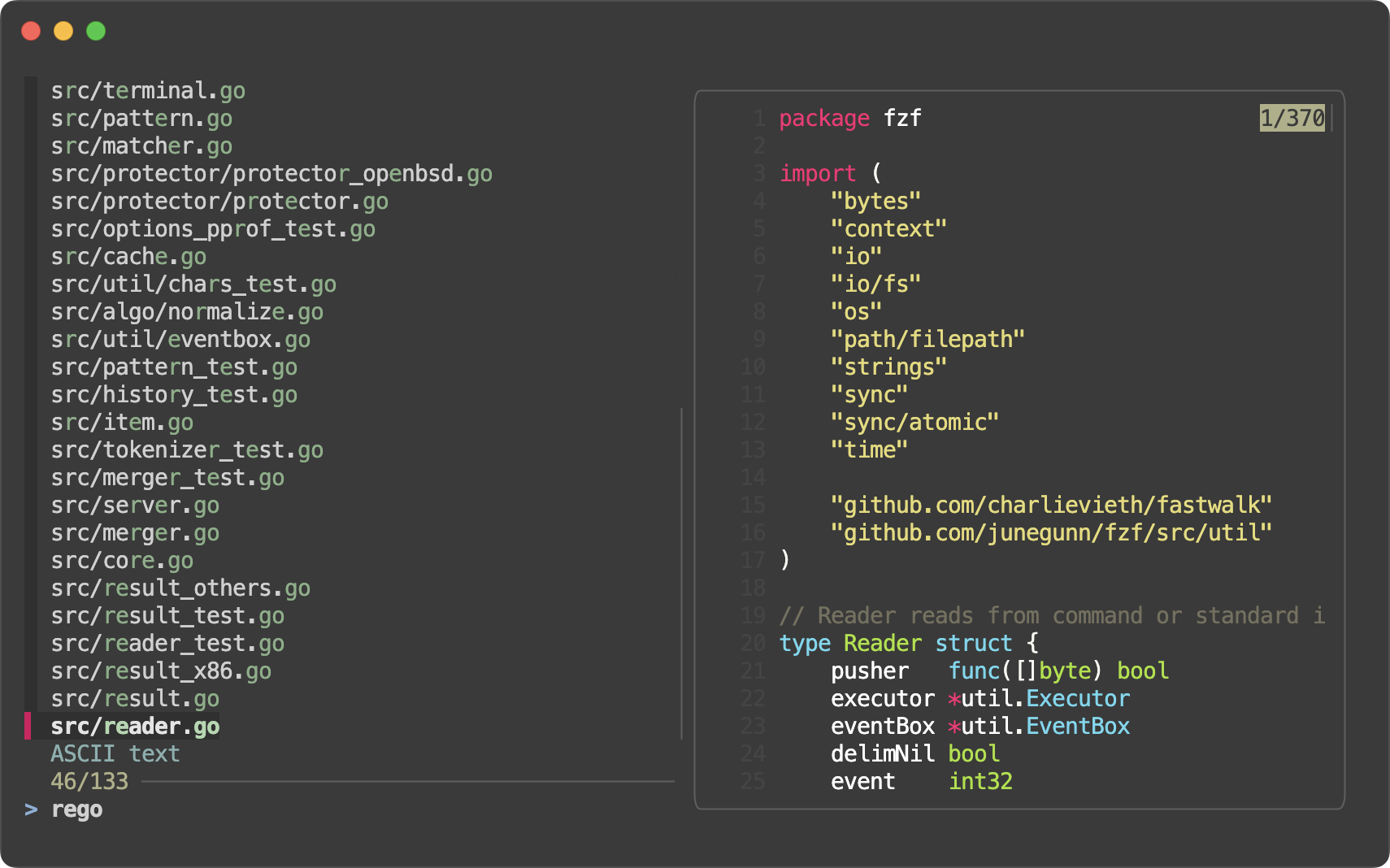
Image: junegunn/fzf (official project screenshot) — fzf in its default style, filtering Go source files with a live preview.
Why the --listen fix matters most
The most consequential fix is the one that sounds driest. fzf's --listen mode runs fzf as a small server that other programs can talk to — the way editors, agent harnesses and automation scripts drive it. Action parsing there was O(n²), so a single request of about 1 MB could block the server for roughly 30 seconds. The issue was reported by Zachariah Mithani of AploSec, and it matters because a frozen fuzzy finder stalls every tool waiting on it, and a crafted request could stall it on purpose. Two smaller fixes round out the release: --no-sort was silently ignored in filter mode with --sync, --tac or --bench, and --walker=follow could skip a symlink whose target was an ancestor of another search root.
Why it matters for developers in India
There is no India-specific announcement attached to this release, so Indian readers should treat it as a global developer-tools update rather than local news. The practical effect is direct all the same: fzf is free and open source, and it is a staple of the terminal workflows Indian developers use every day — file jumping, history search, git branch switching, and the Neovim setups common in Indian engineering teams. The Windows MSI installers matter here too: Windows is the most common developer desktop in Indian offices and colleges, and a proper installer that puts fzf.exe under Program Files and on the PATH removes the symlink workaround that broke in administrator SSH sessions.
Should you care?
✅ Yes, if you use fzf every day — the --listen fix alone is worth the upgrade if anything drives fzf as a server, and the info-command actions give scripters a genuinely new building block. Windows users should switch to the MSI build.
⏳ Wait and watch, if you have never used a fuzzy finder — nothing here changes your workflow today, but 0.75.0 is a good moment to try fzf: install it, pipe a file list into it, and see how fast jumping between files becomes.
How to install or upgrade to fzf 0.75.0
On macOS, run brew upgrade fzf (or brew install fzf if you do not have it yet). On Windows, run winget install junegunn.fzf — and if you already have the portable winget package, note that winget upgrade keeps the portable install, so to switch to the MSI run winget uninstall junegunn.fzf followed by winget install junegunn.fzf. On Linux, grab the tarball for your architecture from the GitHub releases page, or wait a day or two for your distribution's package manager to catch up. Afterwards, run fzf --version and confirm it prints 0.75.0.
FAQs
What is new in fzf 0.75.0?
The headline additions are new {change,transform,bg-transform}-info-command actions for dynamic status lines, and proper Windows .msi installers for amd64 and arm64 through winget. The release also fixes an O(n²) parsing flaw in --listen that let a ~1 MB request block the server for ~30 seconds, plus transform-nth splitting output at | and --no-sort being ignored in filter mode.
How do I install or upgrade fzf to 0.75.0?
On macOS use brew upgrade fzf, on Windows use winget install junegunn.fzf, and on Linux download the tarball from the fzf GitHub releases page or wait for your distribution's package manager. Windows users switching from the portable package should run winget uninstall junegunn.fzf first, then install again, to get the MSI build.
What is fzf used for in the terminal?
fzf is a general-purpose command-line fuzzy finder written in Go. You pipe a list into it — files, shell history, git branches, processes — type a few characters to filter, and it prints your selection. It also powers Ctrl+R history search and file picking inside Vim, Neovim, tmux and many shell setups.
How do I install fzf on Windows using winget?
Run winget install junegunn.fzf. Version 0.75.0 adds proper .msi installers for amd64 and arm64, so the install puts fzf.exe under Program Files and adds it to the system PATH. If you already have the older portable winget package, run winget uninstall junegunn.fzf first, then install again — a plain winget upgrade keeps the portable build.
Takeaway
fzf 0.75.0 is a maintenance release with one genuinely new toy — dynamic info commands — and one fix that matters to everyone running fzf as a server. The Windows MSI installers are the most visible change for the largest group of users, and they finally make fzf a first-class citizen on Windows.
If you live in the terminal, upgrade to 0.75.0 and try the new --info-command actions — and if you run fzf on Windows, switch to the MSI build so your PATH stops depending on a symlink.
Sources
- fzf 0.75.0 release notes — GitHub (primary source, 7 Nov 2026)
- fzf project page — junegunn.github.io
- aerynOS unstable stream update, 7 November 2026 (ships fzf 0.75.0)
- freshcode — fzf release listing
Related reading on TechByCountry: Libghostty 1.0 terminal library explained, Playwright 1.65 new features explained, and Cursor voice chat with agents explained.
Comments
Post a Comment