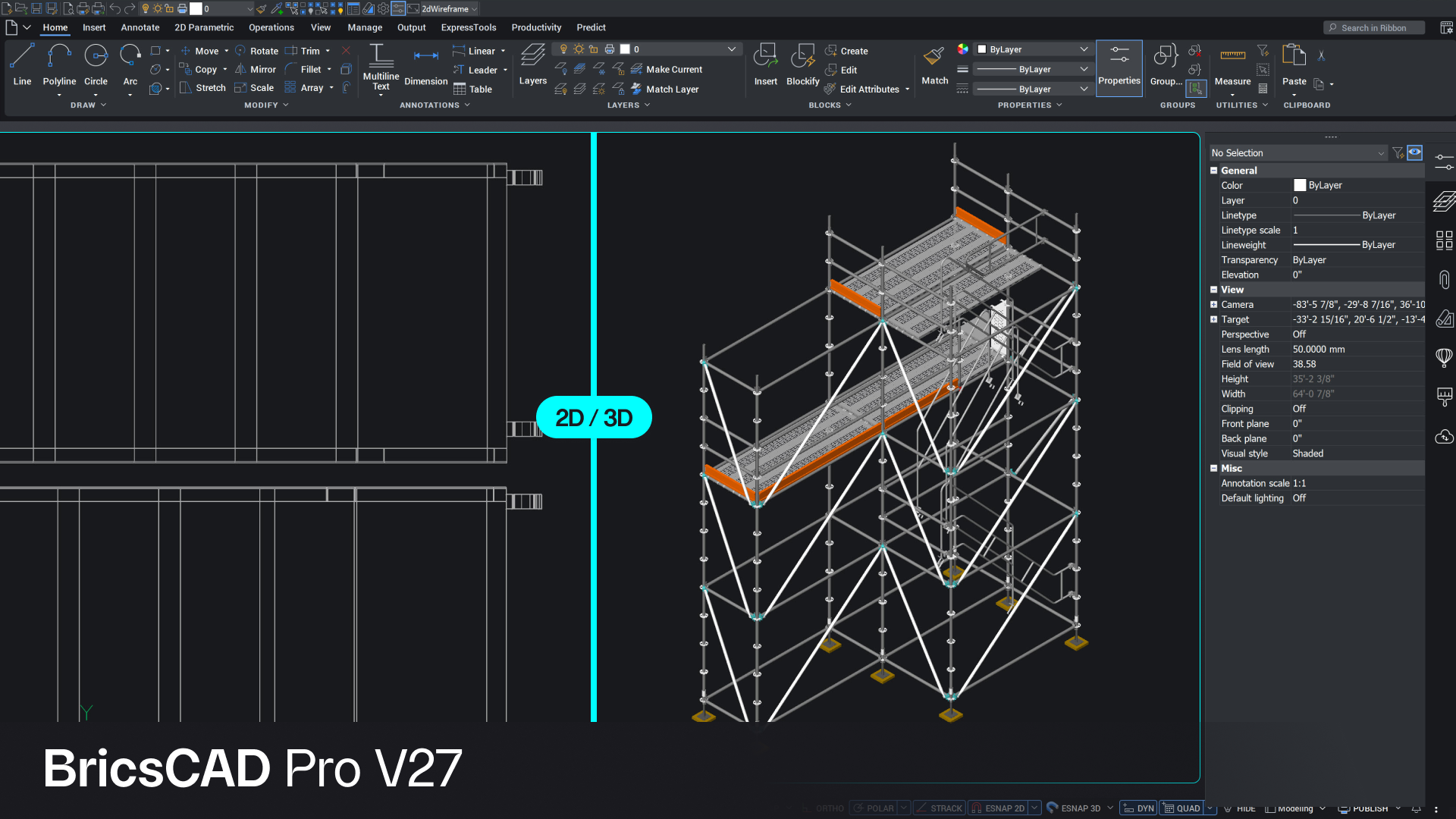
Image: Octave BricsCAD — BricsCAD V27 (official product image).
TL;DR — bricscad v27 new features explained: Octave has released BricsCAD V27, the new version of its DWG-based CAD software, with faster 2D drafting, an AI-driven BricsCAD Assist panel, and upgrades across its Mechanical, BIM and Survey toolsets. It is available now on Windows, Mac and Linux, with a 30-day free trial — and it is pitched squarely as the lower-cost alternative to AutoCAD for teams that live in DWG files.
📌 KEY HIGHLIGHTS
- BricsCAD V27 is available now, announced in Octave's release notice carried on 27 October 2026, for Windows, Mac and Linux.
- 2D drafting gets the biggest speed claim: nearly 70% better constraint-solver performance on large, constraint-heavy drawings, plus background Drawing Health checks with Smart Repair.
- BricsCAD Assist, an AI-driven in-app advisor, answers how-to and command questions without leaving the drawing.
- BIM teams get reworked IFC import, Navisworks file import and bulk property editing from Excel or CSV.
- Survey work gets point-cloud reduction of up to 80% and Auto Mapping extended from points to linework.
What happened?
Octave, the company behind BricsCAD, has released version 27 of its computer-aided design software. BricsCAD is built around the DWG file format — the same format AutoCAD uses — which is the whole point of the product: drawings open natively, without conversion, so teams can switch tools without rebuilding their drawing libraries. Launch materials for V27 promise 37 new features and enhancements, all aimed at the same goal: fewer repetitive steps between design data and a finished drawing.
The release is not a redesign. It is a performance and workflow release: faster drafting, cleaner drawings, easier data exchange with other tools, and an AI assistant inside the app. V27 is available now from Octave, and the what's-new page offers a 30-day free trial before buying.
bricscad v27 new features explained: faster drafting first
The headline changes are in everyday 2D drafting, where small delays add up across a working day. Updates to the 2D constraint solver deliver nearly 70% better performance under certain conditions on large, constraint-heavy drawings, according to Octave. Drawing Health now runs in the background when a file is opened, spots potential problems and can recommend a Smart Repair routine — in Octave's own test, it cut one sample drawing from more than 10 MB to just over 3 MB by removing unnecessary or problematic data.
Quick Dimension now works across more scenarios, including blocks, paper space and view-based operations, and dimension styles and layers can be changed without leaving the command — cutting the clicks needed to dimension large drawings by up to 75%, again per Octave's figures. These are the vendor's own measurements, not independent benchmarks, but the direction is clear: V27 is tuned for big, messy, real-world drawings rather than demo files.
Two smaller interface changes matter for daily use. BricsCAD Assist is an AI-driven chat panel inside the app that explains commands, settings and workflows, so users no longer need to pause and search documentation mid-drawing. And BricsCAD Pro now includes STEP, IGES and FBX import at no extra cost, removing a translation step when exchanging data with customers and suppliers.
| Toolset | What V27 adds |
|---|---|
| Core drafting | ~70% faster constraint solving (vendor claim); background Drawing Health + Smart Repair; Quick Dimension across blocks, paper space and views; STEP/IGES/FBX import in Pro |
| Mechanical | MCAD translation included; Sheet Metal Health panel; Power Dimension chamfer representations (C-note, distance-by-angle) |
| BIM | Reworked IFC import with staged import; geolocation positioning; Navisworks NWD/NWC/NWF import; bulk properties from Excel/CSV |
| Survey | Point clouds reduced up to 80%; point cloud to mesh conversion; Section Volumes; Auto Mapping extended to linework |
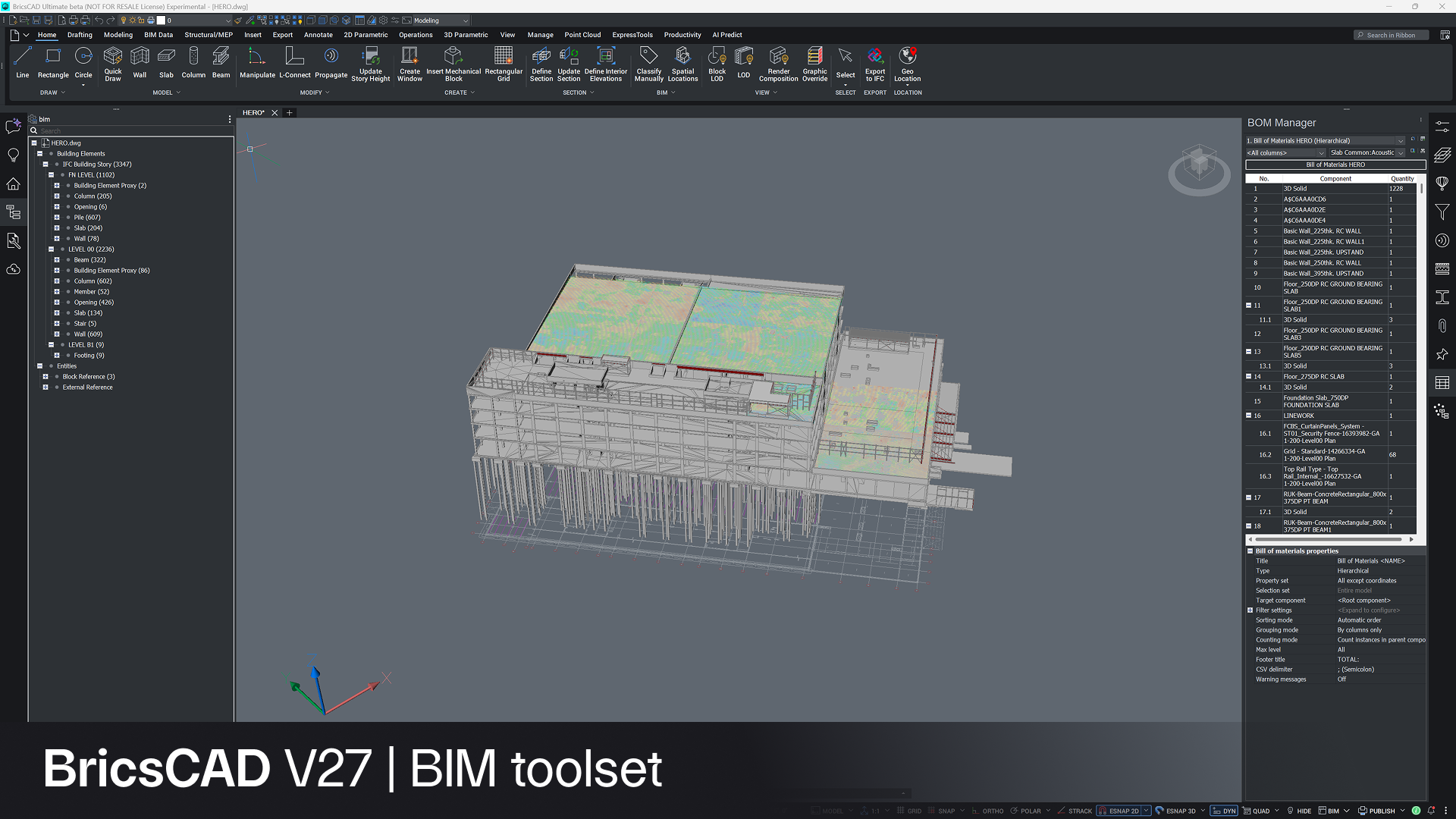
Image: Octave BricsCAD — BricsCAD V27 BIM toolset (official product image).
Mechanical, BIM and Survey: what each team gets
For mechanical design, V27 folds translation into the Mechanical toolset itself, so supplier and MCAD data can be brought in without a separate translation workflow. A new Sheet Metal Health panel makes repair interactive, helping users find and fix model issues directly, and Power Dimension can now create common chamfer representations — C-note and distance-by-angle — as a single object.
For BIM teams, the focus is moving project data in reliably. IFC import has been reworked for large and complex models, with a staged import process, more control over how geometry is imported, and better handling of files with minor errors. V27 can also use geolocation data in IFC files to position models on shared project coordinates automatically. Support for Autodesk Navisworks files brings coordination context straight into the DWG environment: NWD, NWC and NWF files can be imported without rebuilding views by hand. One honest limitation, noted by independent coverage of the V27 release notes: Navisworks geometry arrives as meshes in the current drawing, not as editable native objects — useful for coordination context, not for editing the model itself. Property information can now also be created or updated in bulk from Excel or CSV files.
For surveyors, V27 continues the field-to-office push. Large point-cloud datasets can be reduced by up to 80%, and point clouds convert directly to mesh data for downstream design work. New Section Volumes capabilities calculate material quantities from survey and design data. And Auto Mapping — which in V26 generated geometry automatically from survey point codes — now extends to linework: in Octave's testing, survey entity mapping tasks that previously took hours dropped to under a minute.
Why it matters for India readers
India has one of the world's largest pools of CAD users — in architecture, construction, manufacturing and infrastructure — and for many firms the CAD licence bill is a real line item. BricsCAD's pitch has always been DWG compatibility without AutoCAD's price, and V27 strengthens that argument with the two things that usually block a switch: performance on large drawings and smooth data exchange with clients who use other tools. The STEP, IGES, FBX and Navisworks additions all point at mixed-tool project teams, which is how most Indian engineering firms actually work.
The survey and BIM upgrades matter for the same reason. Infrastructure and construction projects generate huge point clouds and IFC models, and tools that shrink that data and move it between applications without manual rebuilding save hours per project. Readers weighing a switch should still test V27 against their own heaviest drawings during the 30-day trial — vendor performance figures are measured on vendor test files, and your drawings are the only benchmark that counts.
Should you care? ✅ Worth trying if you draft in DWG
Verdict: ✅ Try the trial if you already use BricsCAD or are paying for a CAD seat you barely use — the drafting speed, Drawing Health and data-exchange upgrades are the kind that pay off daily. ⏳ Wait if your workflow depends on Navisworks geometry as editable objects, since V27 imports it as meshes. Either way, test it on your own largest drawings before buying.
Price, availability & alternatives
BricsCAD V27 is available now on Windows, Mac and Linux, with a 30-day free trial from Octave's website. The announcement sources for this post do not state a licence price, and Octave sells both perpetual and subscription licences through its store — check the official store for current pricing rather than trusting third-party listings. Related reading: Kali Linux 2026.3, another major open-source release this week, Microsoft's .NET 11 Release Candidate 2, and the rebuilt PHP Windows packages fixing the HTTP2Shell flaw. The main alternatives remain Autodesk AutoCAD and Dassault Systèmes DraftSight, both DWG-compatible — V27's case rests on price and the included Pro import formats, not on a unique file format.
FAQs
What is BricsCAD V27?
BricsCAD V27 is the latest major version of Octave's DWG-based CAD software, released in October 2026. It covers 2D drafting, 3D design, mechanical design, BIM and surveying in one DWG-native application, and is positioned as an alternative to AutoCAD.
What is new in BricsCAD V27?
Faster 2D drafting (nearly 70% better constraint-solver performance per Octave), background Drawing Health with Smart Repair, the AI-driven BricsCAD Assist panel, STEP/IGES/FBX import in Pro, reworked IFC import, Navisworks file import, and survey upgrades including up to 80% point-cloud reduction.
Is BricsCAD compatible with AutoCAD files?
Yes — BricsCAD is built around the DWG format, so AutoCAD drawings open natively without conversion. That compatibility is the core reason teams switch, though complex custom objects from other tools may still need checking.
How much does BricsCAD V27 cost?
The announcement sources do not state a price. Octave offers a 30-day free trial and sells perpetual and subscription licences through its official store — check there for current pricing, since third-party listings may be outdated.
Does BricsCAD V27 run on Mac and Linux?
Yes. V27 is available on Windows, Mac and Linux, and licences work across platforms — a useful detail for mixed-OS engineering teams.
Takeaway: BricsCAD V27 is a workflow release, not a revolution — faster drafting, cleaner drawings, an AI assistant and much smoother data exchange. For DWG teams, the 30-day trial is the cheapest way to find out whether those gains show up on your own drawings.
Follow World Tech on TechByCountry for tomorrow's update.
📸 Get tech in the last 24 hours on Instagram — follow @_techinlast24hrs for daily posts (9 AM–9 PM) and reels at 12:30 PM & 8:30 PM.
Sources
- Octave BricsCAD newsroom — BricsCAD V27: Faster drafting, stronger performance, more connected workflows (primary source)
- DailyCADCAM — Octave BricsCAD V27 Released, 27 October 2026
- Octave — What's new in BricsCAD V27 (trial, platforms, Assist panel)
- BIMdigest — Spotlight: BricsCAD V27 (Navisworks meshes note)
Comments
Post a Comment