
Image: Wikimedia Commons — a terminal window (illustrative image; not a JetBrains IDE screenshot — JetBrains' announcement carries no press screenshot of the new terminal).
TL;DR — JetBrains 2026.3 terminal Ghostty explained: starting with version 2026.3, the built-in terminal in JetBrains IDEs runs on libghostty, the engine behind the Ghostty terminal, replacing the ageing JediTerm. The result is a terminal that finally handles modern tools properly — Shift+Enter starts a new line in AI prompts instead of sending a half-written message, the terminal follows your IDE theme, and full-screen apps stop rendering broken lines and stray characters.
📌 KEY HIGHLIGHTS
- What changed: JetBrains IDEs from version 2026.3 run their built-in terminal on libghostty instead of JediTerm, the emulator JetBrains relied on for years.
- Why now: AI coding agents (Claude Code, Codex, Pi), Neovim, tmux and dashboards lean on modern terminal protocols that JediTerm never supported.
- What you notice first: Kitty keyboard protocol support — Enter, Shift+Enter and Ctrl+Enter are now distinct — plus automatic dark/light theme syncing with the IDE.
- What is fixed quietly: nearly 50 control sequences JediTerm ignored or misread now work, so TUI apps render without missing characters, stray colons or garbage text.
- Status: on by default in the 2026.3 EAP builds, and it stays on through Beta, Release Candidate and the stable release; JediTerm remains one Registry toggle away.
JetBrains 2026.3 terminal Ghostty explained: what happened?
JetBrains announced the switch on its official blog on 27 October 2026: starting with 2026.3, the built-in terminal in JetBrains IDEs "speaks that same language" as today's best standalone terminals, because it now runs on libghostty, the terminal emulation library that powers Ghostty itself. The story came back into the news cycle on 30 October as developer outlets picked it up — but the facts come from JetBrains' own announcement, not the retellings.
The important nuance is what libghostty actually does inside the IDE. It takes over parsing and terminal state — reading the stream of escape sequences and tracking what should be on screen — while the IDE still handles rendering and its higher-level features and integrations. So this is not JetBrains shipping the Ghostty app inside IntelliJ IDEA or PyCharm; it is JetBrains adopting Ghostty's engine as the terminal's core. That distinction matters, because your IDE theme, font settings and terminal integrations stay JetBrains' own.
The backstory is a conference conversation: the Ghostty team approached JetBrains at IntelliJ IDEA Conf last year and asked whether JetBrains would consider using their emulator. Over the following months libghostty gained the features JediTerm users relied on, which made the switch possible — and JetBrains says it preferred libghostty over the other options it considered because the library is widely regarded as reliable and performant.
What actually improves for developers
Three improvements land immediately, and a fourth is groundwork for later.
1. Multi-line prompts and keybindings work the way the docs say. With the Kitty keyboard protocol, terminal apps can now distinguish Enter from Shift+Enter and Ctrl+Enter, and can request key-release and repeat events. Claude Code, Codex, Pi, the fish shell and Neovim all use this protocol, and the terminal also supports xterm's modifyOtherKeys, the older protocol Vim uses. In practice, Shift+Enter starts a new line in your AI prompt instead of sending a half-written message, and Ctrl/Shift/Alt key combinations reach the app intact. The old IDE setting that sent Esc+CR on Shift+Enter is no longer needed and is now ignored.
2. Your tools follow your IDE theme. Switching the IDE to Dark mode used to leave terminal apps guessing, producing dark text on a dark background or a bright colour scheme inside a dark IDE unless you configured each tool by hand. Now the terminal answers the dark/light query from the current IDE theme and sends a notification when you switch, so Claude Code, OpenCode, Pi, Neovim and tmux mostly switch automatically. It also answers palette queries JediTerm never handled, and programs can now set extended palette colours 16 to 255, while colours 0 to 15 stay under the IDE theme's control.
3. Rich terminal apps draw properly. The new engine handles almost 50 control sequences JediTerm either ignored or misread. Three examples JetBrains names: REP, which ncurses uses for runs of identical characters, so some lines previously rendered with missing characters; colon-separated SGR colours, where JediTerm printed the colons and merged digits into the wrong attribute; and unknown APC, SOS and PM strings, which JediTerm printed as text and are now silently dropped. Margins, protected areas, tab-stop control, insert mode, save/restore and cursor blink handling are fixed too. Lines, borders and separators should no longer come out broken.
4. Groundwork for features that are not on yet. libghostty already parses sequences the IDE does not act on yet: OSC 52 clipboard support, desktop notifications, ConEmu progress bars, Kitty graphics and styled, coloured underlines. JetBrains' point is that parsing is no longer the bottleneck — only the IDE side is left — so these should arrive faster than they did under JediTerm. In practice that means copying to your clipboard from a program on a remote server, being notified when an agent finishes a task, seeing progress bars for long jobs, and showing images directly in the terminal.
| Terminal area | Old engine (JediTerm) | New engine (libghostty, from 2026.3) |
|---|---|---|
| Keyboard input | Shift+Enter needed a workaround setting; combos could get lost | Kitty keyboard protocol + modifyOtherKeys; Enter, Shift+Enter, Ctrl+Enter distinct |
| Theme sync | Apps guessed dark/light; manual per-tool configuration | Answers theme queries and sends switch notifications; palette queries answered |
| TUI rendering | ~50 sequences ignored or misread; missing chars, stray colons, garbage text | Sequences handled; borders, colours and separators render correctly |
| Future features | Each addition needed emulator work first | OSC 52, notifications, progress bars, Kitty graphics already parsed, awaiting IDE support |
| Fallback | — | Registry key terminal.use.ghostty.emulator switches back to JediTerm |
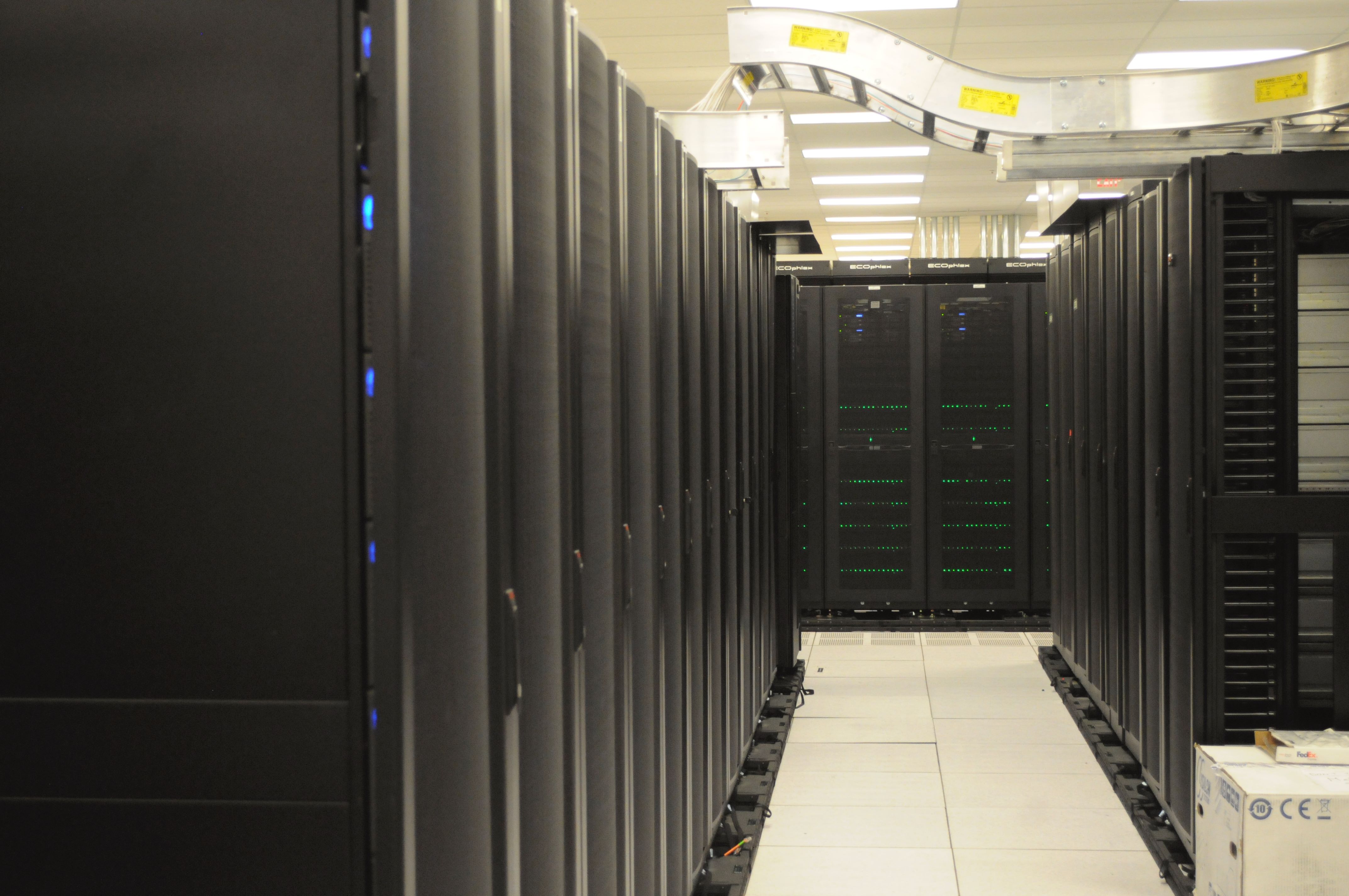
Image: Wikimedia Commons — server racks at NERSC (illustrative image; the machines and cloud services developers reach through their IDE terminal).
Why it matters for India readers
No India-specific announcement accompanies this change — JetBrains is rolling it out to every IntelliJ-platform IDE at once — but the relevance for Indian developers is direct. IntelliJ IDEA, PyCharm and WebStorm are among the most widely used IDEs in India's software industry, and the pain this fixes is one Indian developers feel daily: AI coding assistants are now a normal part of the workflow, and the old terminal was the weakest link when those assistants ran inside the IDE. A terminal that garbles a TUI dashboard or sends a half-written prompt is not a cosmetic problem when the agent is mid-task.
There is also a wider pattern worth noticing. The same week, the Ghostty 1.4 release explained how the standalone terminal got dramatically lighter, and the Android Studio Rabbit 2 bring-your-own-agent explained how Google's IDE opened its doors to 40-plus external coding agents. JetBrains' move is the same story from the other side: the IDE terminal is being rebuilt for an era in which the terminal is no longer just a shell prompt, but the place where agents, editors and dashboards all run. Ghostty's own 1.4 release notes claim libghostty now powers JetBrains IDE terminals reaching over 12.5 million active users — that is Ghostty's figure, not JetBrains', but it shows the scale of the shared engine.
Should you care?
✅ Verdict: Yes, if you live in a JetBrains IDE — and it costs you nothing to get it. The new terminal arrives automatically with 2026.3, fixes real daily annoyances with AI agents and TUI apps, and can be switched off with one Registry key if anything breaks. ⏳ Wait if: you are mid-release on a stable version — the EAP is a preview, so let the Beta and stable builds land before you move a production workflow onto it.
How to try it — and how to switch back
The libghostty engine is already on by default in the reworked terminal in the 2026.3 EAP builds, and JetBrains says it will stay that way through the Beta and Release Candidate builds and into the stable release. There is nothing to install and no setting to enable. If something goes wrong, JetBrains gives the escape hatch itself: open Help | Find Action, open Registry…, and turn off terminal.use.ghostty.emulator to return to JediTerm — and report what broke, either as a comment on issue IJPL-218849 or as a bug report, so the stable release ships fixed.
FAQs
What is libghostty?
libghostty is the terminal emulation library behind the Ghostty terminal, created by Mitchell Hashimoto's team. It handles parsing escape sequences and tracking terminal state, and other programs can embed it instead of writing their own terminal core. JetBrains now uses it as the engine of its IDE terminals.
Which JetBrains IDEs get the new terminal?
All JetBrains IDEs built on the IntelliJ platform — including IntelliJ IDEA, PyCharm, WebStorm and the rest — get the libghostty-based terminal from version 2026.3, starting with the EAP builds and continuing into the stable release.
How do I switch back to JediTerm if something breaks?
Open Help | Find Action, open Registry…, and turn off terminal.use.ghostty.emulator. That restores the old JediTerm engine. JetBrains asks users who hit problems to report them on issue IJPL-218849 or as a bug report.
Is this the same as installing the Ghostty app?
No. The Ghostty app is a separate standalone terminal for macOS and Linux. JetBrains has adopted only its engine, libghostty, as the IDE terminal's core — the IDE still handles rendering, themes, fonts and its own terminal integrations.
When is JetBrains 2026.3 stable?
JetBrains has not announced a stable release date in this announcement. The engine is on by default in the 2026.3 EAP builds now and will stay on through the Beta and Release Candidate builds, so the stable release follows the usual EAP cycle.
Takeaway: JetBrains is not shipping a new terminal app — it is fixing the one developers already use, by replacing its ageing engine with Ghostty's. For anyone running AI agents inside their IDE, that is the most useful kind of upgrade: invisible, automatic, and aimed exactly at the things that used to break.
Follow World Tech on TechByCountry for tomorrow's 6 PM update.
📸 Get tech in the last 24 hours on Instagram — follow @_techinlast24hrs for daily posts (9 AM–9 PM) and reels at 12:30 PM & 8:30 PM.
Sources
1. JetBrains Blog — The Terminal in JetBrains IDEs Now Runs on libghostty, 27 October 2026 (PRIMARY) — https://blog.jetbrains.com/platform/2026/10/jetbrains-terminal-now-uses-ghostty/
2. GitHub Daily (Medium) — JetBrains' new AI-powered terminal embraces Ghostty, 30 October 2026 — https://githubdaily.medium.com/jetbrains-new-ai-powered-terminal-embraces-ghostty-9ed75a87613a
3. Ghostty 1.4 release notes via Hacker News (Mitchell Hashimoto), 27 October 2026 — libghostty reach and platform coverage — https://news.ycombinator.com/item?id=50262760
4. TechByCountry — Ghostty 1.4 release explained (related post, linked in body) — https://techbycountry.blogspot.com/2026/10/ghostty-1-4-release-explained.html
Comments
Post a Comment