Ghostty 1.4 Release Explained: 90% Less Terminal Memory, 5.7x Faster Text and 10 Security Fixes (World Tech)

Illustrative image: a terminal emulator window (Wikimedia Commons, GPL). This is NOT a Ghostty screenshot — it illustrates the terminal app category Ghostty 1.4 belongs to.
TL;DR: Ghostty 1.4 release explained: the GPU-accelerated terminal emulator's first major update in seven months cuts scrollback memory by 70–90%, parses plain text 5.7 times faster, completes the Kitty graphics protocol, and fixes ten security issues — but Linux users on older distributions should check the new system requirements before upgrading.
📌 KEY HIGHLIGHTS
- Seven months of work: 172 contributors and 2,889 commits in Ghostty 1.4.0, the first major release since version 1.3.
- Far less memory: idle scrollback is now compressed, cutting its physical memory use by 70–90% — so the default scrollback limit rises from 10 MB to 50 MB per terminal.
- Much faster: plain-text parsing jumps from 128 MB/s to 725 MB/s, and resizing a terminal full of history is about 6 times faster.
- Images in the terminal: full Kitty graphics support, including animation and relative image placement — the first terminal outside Kitty itself to cover 100% of the protocol.
- Security first: ten security advisories fixed, including a paste-protection gap and malicious-output crashes — updating is the safest move.
Ghostty 1.4 release explained: what shipped
Ghostty is a free, open-source terminal emulator created by HashiCorp co-founder Mitchell Hashimoto. It uses the GPU for rendering while keeping a native look on each platform — GTK on Linux, Swift on macOS — and its embeddable libghostty core now powers the terminals in JetBrains IDEs, reaching more than 12.5 million users, according to the project's own release notes. Version 1.4.0, released this week, is a major release in every sense: seven months of work, 172 contributors and 2,889 commits, with performance, memory, graphics, SSH and security changes across all platforms.
The headline change is one most users will feel without noticing it. Ghostty now transparently compresses scrollback — the history of everything a terminal has printed — whenever the terminal sits idle, and decompresses it on demand when you scroll back or search. For typical text-heavy history that cuts the physical memory those pages use by 70% to 90%, with no measurable impact on input/output speed. Because compressed history is so much cheaper, the default scrollback limit has been raised from 10 MB to 50 MB per terminal, and a full 50 MB scrollback generally uses less physical memory than the old 10 MB limit did. Compression is available on macOS and 64-bit Linux, and an empty terminal now takes about 16 KiB of terminal page memory on macOS, down from 128 KiB. Hidden tabs also release their GPU resources — with one visible tab and 20 hidden tabs, GPU memory fell from about 385 MiB to 18 MiB in the project's tests.
| What improved | Before (1.3.x) | Ghostty 1.4 |
|---|---|---|
| Scrollback memory (idle, text-heavy) | Full resident memory | 70–90% less |
| Default scrollback limit | 10 MB per terminal | 50 MB per terminal |
| Plain-text parsing speed | 128 MB/s | 725 MB/s (5.7x) |
| Real-world terminal recordings | Baseline | About 25% faster |
| Resize with large scrollback | Baseline | About 6x faster |
| Kitty graphics protocol | Mostly complete | 100%, including animation |
| Security advisories fixed | — | 10 |
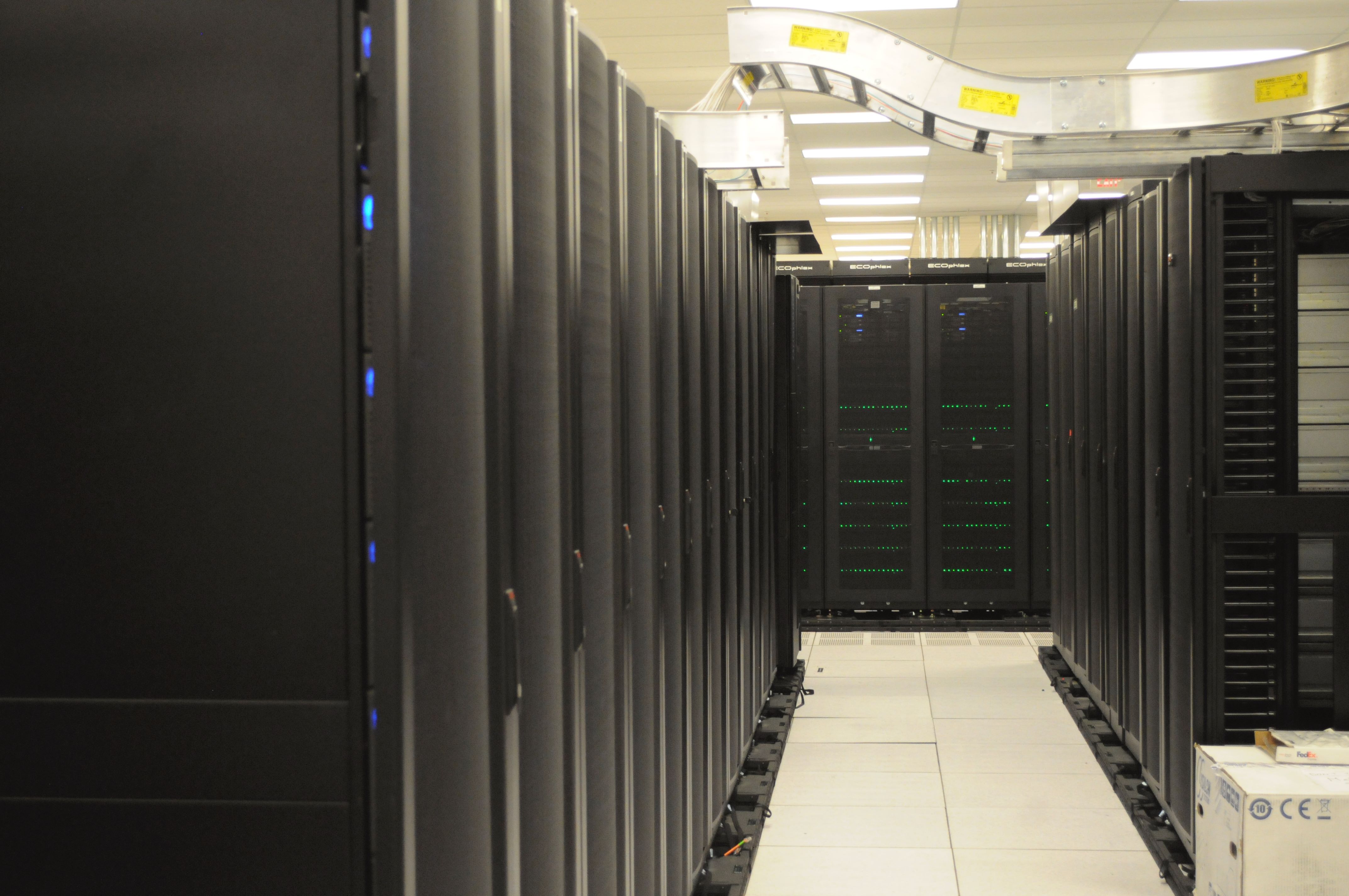
Illustrative image: server racks at NERSC (Wikimedia Commons, CC0). Terminals like Ghostty are the daily tool for managing machines like these.
What changed on Linux, macOS and Windows
On Linux and FreeBSD, Ghostty 1.4 rebuilds its rendering pipeline from scratch. The GTK app no longer uses GtkGLArea; instead it draws with EGL on a dedicated thread and hands each frame to GTK as a DMABUF, with triple buffering. The visible payoff is crisp text at fractional display scaling — 125% and 150% scaling no longer render blurry text and box-drawing characters — and far less screen tearing while scrolling. If a GPU driver cannot export DMABUFs, Ghostty falls back to copying frames through the CPU, which is slower but works. Linux users also get drag-and-drop split rearranging (already on macOS since 1.3): grab a split's drag handle and drop it onto any other split, even in another tab or window, with its running processes and working directory moving along. Global keybinds on Wayland now use the vicinae-hotkey-v1 protocol on compositors like Hyprland 0.56 and newer, and go through the desktop portal elsewhere.
There is one catch for Linux users, and it is a hard one. Ghostty 1.4 requires GTK 4.18 and libadwaita 1.7, so native builds exit at startup on older libraries — Ubuntu 24.04 LTS cannot run them. The project tells those users to stay on an older Ghostty build or use a Flatpak, and community DEB, AppImage and Snap builds exist alongside distribution packages. On macOS, Ghostty 1.4 adds support for macOS 27 while keeping compatibility back to macOS 13, and launch is about 15% faster. On Windows, the project has dropped GUI support from its roadmap entirely: libghostty itself fully supports Windows and is tested in CI, but the official stance is that downstream projects should build on the library instead.
Two smaller additions matter for daily work. The new ghostty +ssh command is a drop-in ssh wrapper that installs Ghostty's terminfo on the remote host before connecting, so colours, keys and features behave the same on the server as they do locally — usable directly or as an alias for ssh. And the full Kitty graphics implementation means programs can now show animated images in the terminal and position images relative to one another, with image payloads parsing about 16 times faster than before.
Why it matters for India readers
For Indian developers, students and DevOps engineers, Ghostty 1.4's pitch is practical, not cosmetic. Terminals are where servers get deployed, logs get read and code gets shipped — and in India that often happens on modest laptops, shared machines and long SSH sessions to cloud servers. A terminal that uses 70–90% less memory for history, starts faster and stays smooth with huge log output is a real quality-of-life gain on exactly those machines, and the ghostty +ssh wrapper removes a classic annoyance of remote work: a remote shell that does not understand your terminal. There is no India-specific announcement in this release — no local pricing, since Ghostty is free and open source, and no India partnership — but the benefit is the same everywhere: a faster, lighter, safer terminal that costs nothing. The security fixes alone are reason to update rather than linger on 1.3: one fixed flaw let a paste run a command without confirmation in programs without bracketed paste, and another let malicious terminal output crash the app or, in limited cases, read or delete files outside allowed directories — the same week Tailscale published its own SSH investigation update, a reminder that terminal and SSH security deserve the same attention as the browser.
The wider context is familiar to anyone following developer tools this month: Node.js 26 became the LTS line today, ending the old odd-even release era, and VS Code 1.143 made Copilot the default — the tools developers live in are all getting faster, more agent-friendly and more opinionated at once. Ghostty 1.4 fits that pattern from the terminal side, and its libghostty core quietly improving JetBrains terminals shows how one open-source project can lift the whole ecosystem.
Should you care?
✅ Update if you use Ghostty daily, work over SSH, or keep huge scrollback — the memory, speed and security gains are all free. ⏳ Wait if you are on Ubuntu 24.04 LTS or another older distribution — check the Flatpak or stay on 1.3 until your distribution ships the newer GTK and libadwaita libraries.
How to get Ghostty 1.4
Ghostty ships official binaries only for macOS; on Linux the distributions package it themselves, with Arch Linux, NixOS, Alpine Linux, Gentoo, openSUSE and Ubuntu 26.04 among those carrying it, plus community DEB, AppImage and Snap builds. You can also build from the source tarball with zig build following the project's build guide. Before upgrading, back up nothing special — but do check two things: your distribution's GTK and libadwaita versions if you install natively, and any custom copy-on-select setup, since the clipboard value now behaves differently and the project tells users who relied on the old behaviour to switch to both. The project's own release notes remain the authoritative list — 1.4 packs hundreds of smaller fixes beyond the headlines here, and its next release, 1.5, is planned for March 2027.
FAQs
What is Ghostty? Ghostty is a free, open-source, GPU-accelerated terminal emulator by Mitchell Hashimoto, the co-founder of HashiCorp. It runs natively on macOS and Linux, and its embeddable libghostty core also powers terminals in other apps, including JetBrains IDEs.
What is new in Ghostty 1.4? The biggest changes are scrollback compression cutting idle history memory by 70–90% (with the default limit raised to 50 MB), plain-text parsing at 725 MB/s versus 128 MB/s before, a rebuilt Linux renderer with crisp fractional scaling, full Kitty graphics support with animation, drag-and-drop splits on Linux, the ghostty +ssh wrapper, and ten security fixes.
Does Ghostty 1.4 work on Ubuntu 24.04? Not as a native build: 1.4 requires GTK 4.18 and libadwaita 1.7, which Ubuntu 24.04 LTS does not ship, so native builds exit at startup. The project recommends staying on an older Ghostty release or using a Flatpak build on that distribution.
Is Ghostty 1.4 safe to upgrade to? Yes — and staying on 1.3 is the riskier choice, since 1.4 fixes ten security advisories, including paste-protection and malicious-output flaws. As with any major release, check the breaking-changes section of the official release notes first if you rely on custom configuration or shell integration.
Takeaway: Ghostty 1.4 is the rare terminal update that is simultaneously lighter, faster, prettier and safer — with one honest asterisk for older Linux distributions. If your system meets the new requirements, it is a free upgrade worth taking today.
Follow World Tech on TechByCountry for tomorrow's 6 PM update.
📸 Get tech in the last 24 hours on Instagram — follow @_techinlast24hrs for daily posts (9 AM–9 PM) and reels at 12:30 PM & 8:30 PM.
Comments
Post a Comment