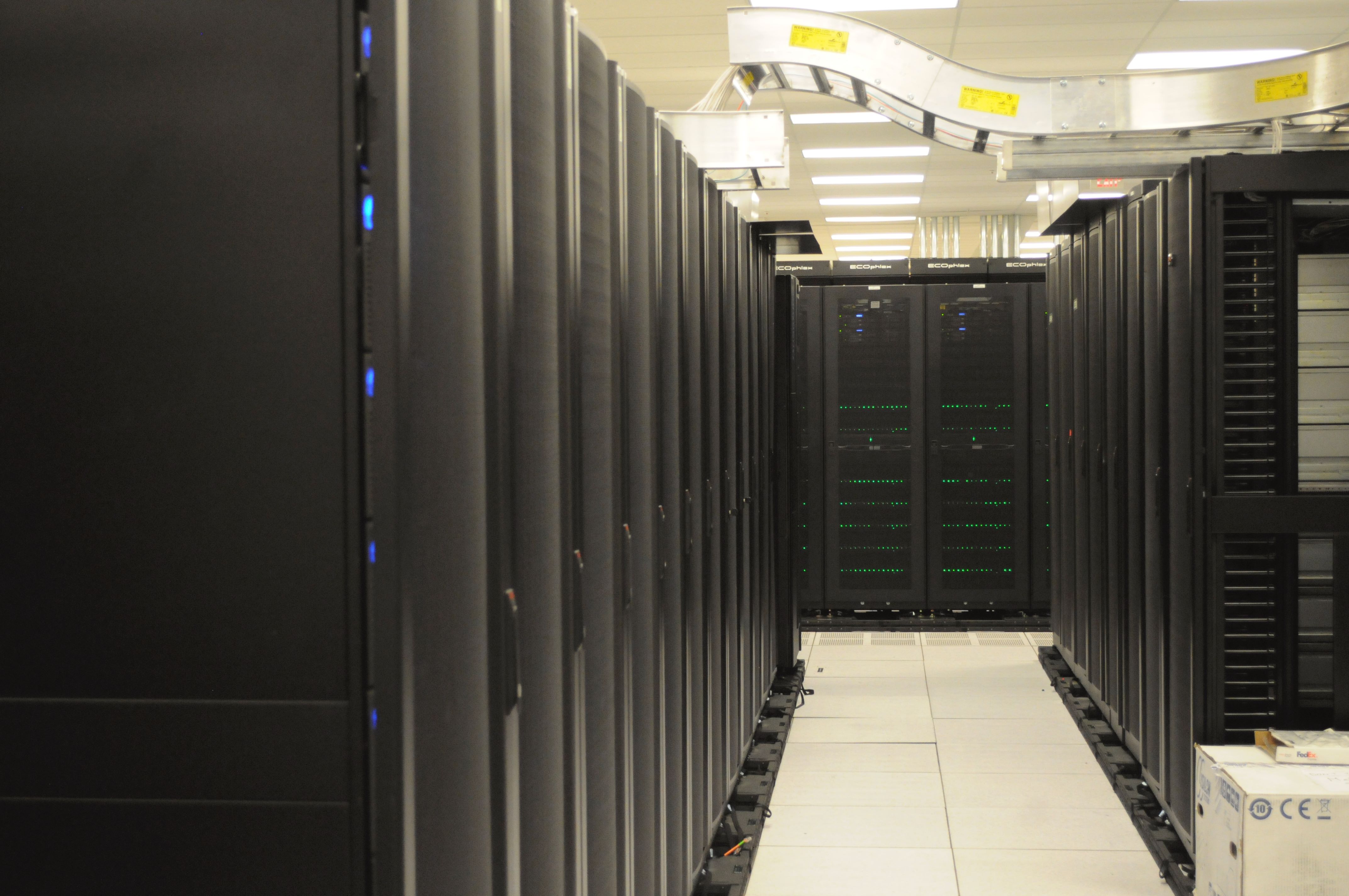
Illustrative image: server racks in a data centre. This is not a Synology product photo; C3RB3R is a software attack on NAS devices, not a device launch. Image: Wikimedia Commons (CC0).
TL;DR: Synology C3RB3R ransomware DSM update explained in one line: a ransomware strain called C3RB3R is encrypting Synology NAS boxes that missed a September 2026 security patch, locking photos, documents and backups behind a Bitcoin ransom — and the fix is a free DSM update that has been available for six weeks, so check your version today.
📌 KEY HIGHLIGHTS
- What is happening: C3RB3R ransomware is encrypting files on Synology NAS devices, adding a .L0CK3D extension and leaving a read-me3.txt ransom note in every affected folder.
- The ransom: 0.036960 Bitcoin (about $2,952) for a decryption tool, doubling to 0.073920 Bitcoin if unpaid after five days.
- The entry point: Two critical DSM flaws, CVE-2026-13639 and CVE-2026-13684 (CVSS 9.8 each), fixed by Synology on 18 September 2026 — devices that never installed the patch are the targets.
- Who confirmed it: Synology confirmed on 29 October 2026 that attackers are targeting devices on older DSM versions; South Korea's KISA has logged multiple victim reports.
- No free decryptor: No public decryption tool for C3RB3R has been confirmed, so recovery depends on clean backups the attackers could not reach.
Synology C3RB3R ransomware DSM update explained: what happened?
Network-attached storage (NAS) boxes are the quiet work horses of homes and small offices: a Synology NAS sits on a shelf, holds years of family photos, work documents and backups, and is easy to forget about. That is exactly why this wave is so damaging. According to analysis by Chinese security firm Qihoo 360, its anti-ransomware team has handled a run of Synology cases since early October 2026, and community reports surged on 28–29 October. The ransomware, which 360 identifies as C3RB3R — a variant of the long-running Cerber ransomware family — encrypts files including photos, documents, code repositories and backup files, using ChaCha8 encryption for file contents with RSA-2048 protecting the keys.
The human side of the story broke in South Korea. Chosun Biz reported on 30 October 2026 that ransomware targeting Synology NAS devices is spreading in Korea, with the Korea Internet & Security Agency (KISA) receiving multiple damage reports from domestic users. Victims found their files locked and a ransom note demanding 0.036960 Bitcoin — about 4 million won, roughly $2,952 — within five days, with the amount doubling after the deadline. Synology belatedly disclosed the attack on its official website, urged users to install the security update, and advised restoring locked files from existing backups; it offered no decryption tool and no compensation plan.
The two flaws behind the attacks — and the versions that fix them
The flaws at the centre of the wave are CVE-2026-13639 and CVE-2026-13684, both in Synology's DiskStation Manager (DSM), the operating system that runs its NAS devices. Synology disclosed both on 18 September 2026 in security advisory Synology-SA-26:13, which covers eight vulnerabilities in total. Each of the two flaws carries a CVSS score of 9.8, the near-maximum severity rating: an unauthenticated remote attacker can use them to read or write arbitrary files and to disrupt service. Synology lists no workaround, so installing the update is the fix — and because the patches have been available for about six weeks, responders describe this as a classic "1-day" attack: criminals exploiting a recently patched flaw on devices that were never updated.
| DSM branch | Fixed in (or later) | What to do |
|---|---|---|
| DSM 7.4 | 7.4-90075 | Update to 7.4-90075 or later |
| DSM 7.3.2 | 7.3.2-86009-4 | Update to 7.3.2-86009-4 or later |
| DSM 7.2.2 | 7.2.2-72806-9 | Update to 7.2.2-72806-9 or later |
| DSM 7.2.1 | 7.2.1-69057-12 | Update to 7.2.1-69057-12 or later |
To update, open DSM's Control Panel, go to Update & Restore, and install the newest version — then turn on automatic DSM updates so future patches arrive without delay. One honesty note matters: the entry point is not fully confirmed in every case. One incident-response team reports a victim already running a recent DSM 7.4.1 build, and says it cannot yet rule out a new DSM flaw, abuse of a third-party package or container, or leaked credentials. Updating is still the single most important step, but it is not the only one — which brings us to exposure.

Illustrative image: server racks in a computer server room — the kind of always-on infrastructure a NAS belongs to. Image: Wikimedia Commons / NOIRLab / NSF / AURA / T. Slovinský, CC BY 4.0.
Why it matters for World Tech readers — and what it means for India
The devices most at risk are the ones exposed directly to the internet — through port forwarding or remote-access features — because the flaws need no login at all. Security firms advise removing port forwards, switching off QuickConnect and other direct external access, and using a virtual private network for remote access instead. And the backup lesson is brutal: many victims kept their only copy of important files on the very NAS that got encrypted. A NAS is not a backup on its own; a real backup is a second copy somewhere the ransomware cannot reach — an offline drive, or snapshots and Hyper Backup copies stored separately.
For India readers, be precise: no India-specific victim count has been reported, and this wave is documented through Korean reports and Chinese incident responders. But the exposure is identical — Synology NAS boxes are common in Indian homes, studios and small offices, often set up once with remote access enabled and then never updated. The same week's other incidents show the pattern repeating: the Japan Airlines Amadeus data breach, where unauthorised access ran for years inside a third-party system, and the Sony So-net data breach, which exposed 2.58 million customer records. The lesson of this week — also visible in our GitLab CVE-2026-97229 CISA KEV explainer — is that unpatched, internet-facing infrastructure is found and used fast. If you run a Synology NAS, tonight's five-minute check is the whole story: update DSM, close direct internet access, and confirm a backup exists somewhere else.
Should you care?
✅ Verdict: Yes, if you own or manage a Synology NAS — update DSM to a fixed release today, turn on automatic updates, and remove direct internet exposure. If you are already encrypted, do not pay as a first step: no free decryptor exists, payment does not guarantee recovery, and your clean backup is the dependable route back. If you do not own a NAS, the takeaway still applies to every always-on device you forget about: patches only protect devices that actually install them.
FAQs
What is C3RB3R ransomware?
C3RB3R is a ransomware strain that security firm Qihoo 360 identifies as a variant of the Cerber family. It encrypts files on Synology NAS devices, adds a .L0CK3D extension to their names, and leaves a read-me3.txt ransom note in each affected folder directing victims to a Tor site.
How do I update Synology DSM to stop C3RB3R?
Open DSM's Control Panel, go to Update & Restore, and install the newest version for your branch — 7.4-90075, 7.3.2-86009-4, 7.2.2-72806-9 or 7.2.1-69057-12, or later. Then enable automatic DSM updates so future patches install without delay, and remove port forwards and direct internet access to DSM.
How do I know if my Synology NAS is affected?
Check your DSM version against the fixed releases in the table above: anything older is in range for the flaws behind this wave. Look for files renamed with a .L0CK3D extension or a read-me3.txt note in your folders — either means encryption has already happened, and you should stop using the device for new files and seek expert help before wiping anything.
Is there a free decryptor for C3RB3R?
No. No public decryption tool for C3RB3R has been confirmed as of 30 October 2026. Recovery depends on clean backups or snapshots the attackers could not reach, which is why security firms advise against paying: payment funds the attackers and does not guarantee your files back.
TAKEAWAY: C3RB3R is not a sophisticated mystery — it is a six-week-old patch that thousands of NAS owners never installed, turned into locked family photos and a Bitcoin demand. Update DSM, close the internet door, and keep a backup somewhere else; that is the whole defence.
Follow World Tech on TechByCountry for tomorrow's 6 PM update.
📸 Get tech in the last 24 hours on Instagram — follow @_techinlast24hrs for daily posts (9 AM–9 PM) and reels at 12:30 PM & 8:30 PM.
Sources
- Chosun Biz — Ransomware hits Synology NAS in Korea (30 Oct 2026)
- EconoTimes — Ransomware targets South Korean Synology users on older DSM versions (30 Oct 2026)
- NASCompares — Synology LOCK3D / C3RB3R ransomware attack, everything you need to know (30 Oct 2026)
- NoRansom — Synology NAS encrypted by ransomware (updated 29 Oct 2026)
Comments
Post a Comment